01
Install it
Pick your platform on the download page.
Pick your platform on the download page.
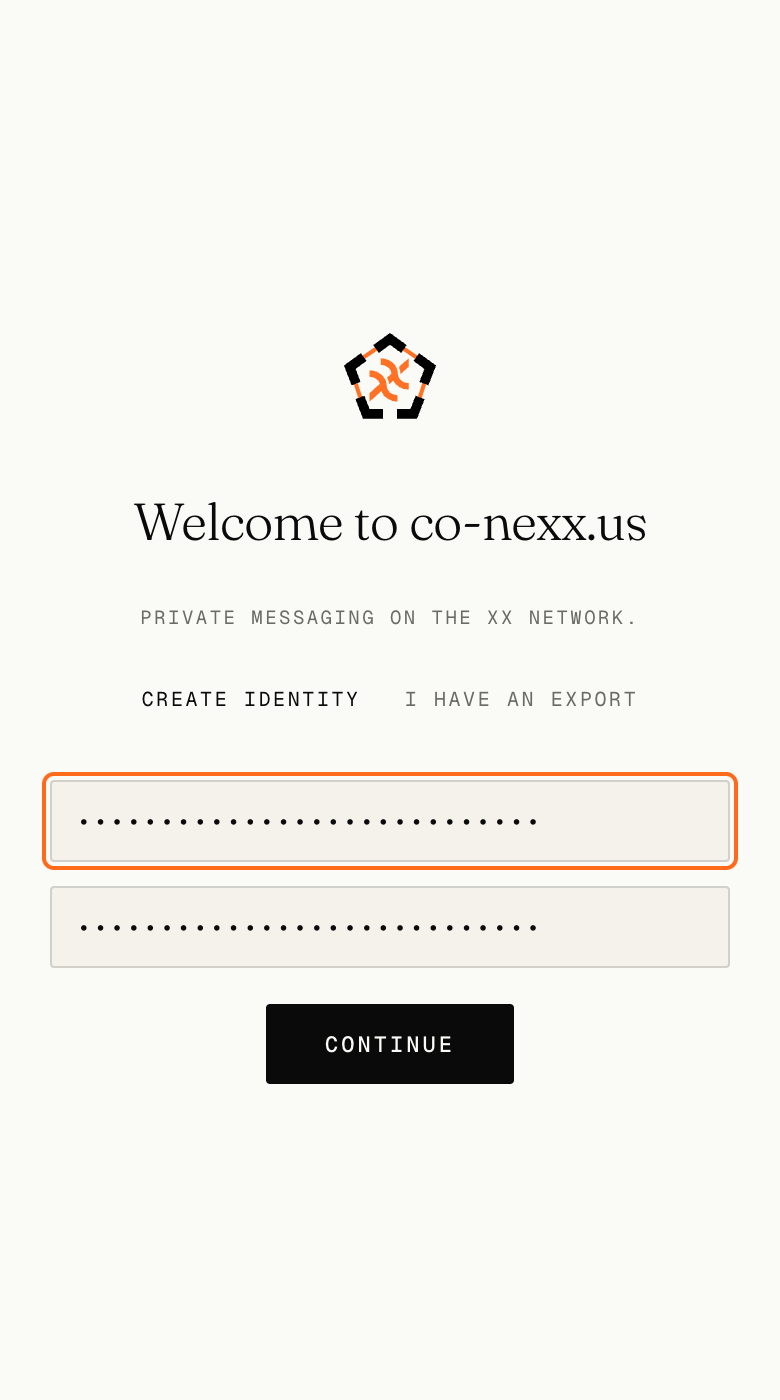
There is nothing to sign up for. No email address, no phone number, no code sent to you. The passphrase unlocks the app on this device, and it is not sent anywhere.
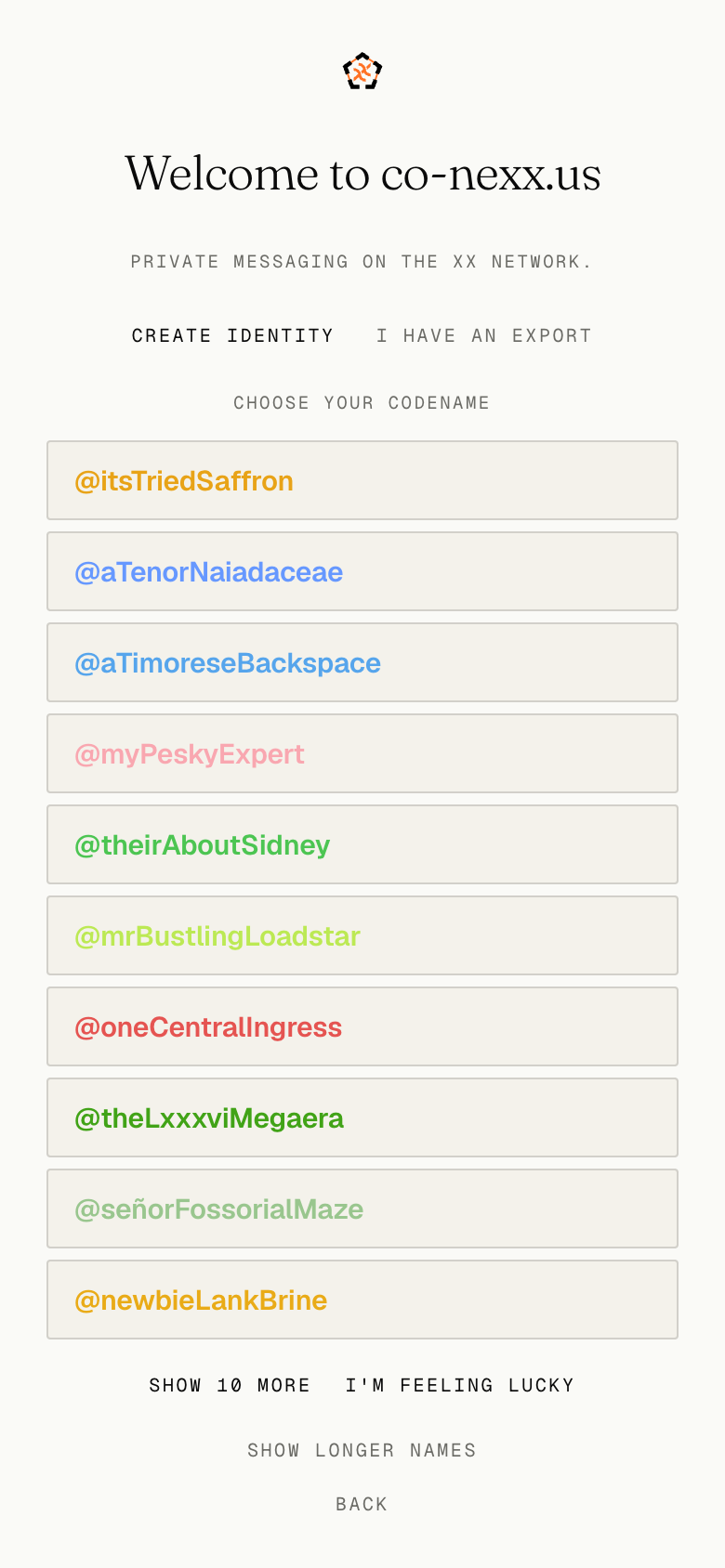
The app offers a batch of codenames, each in its own colour. Take one, ask for ten more, or switch to the longer names. The one you pick is unique and yours. It is how others will identify you.
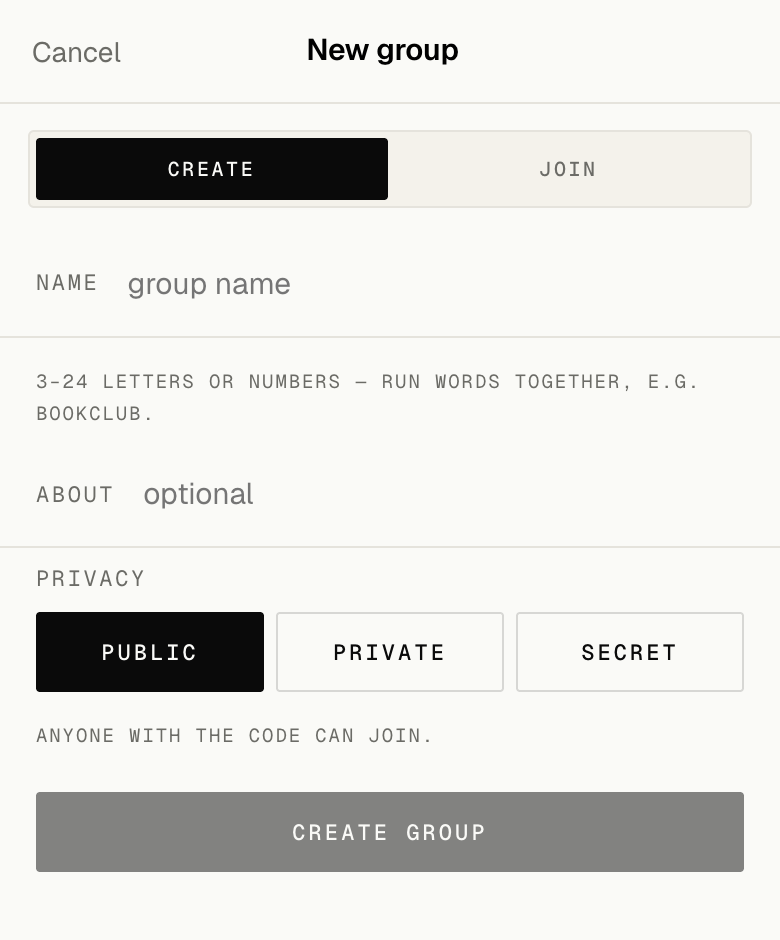
Click Groups, then New group. Create makes a room of your own — name it, and choose a Privacy Level: Public — anyone can join with just the share or QR code, or Private or Secret — which require a password you must also share with others.
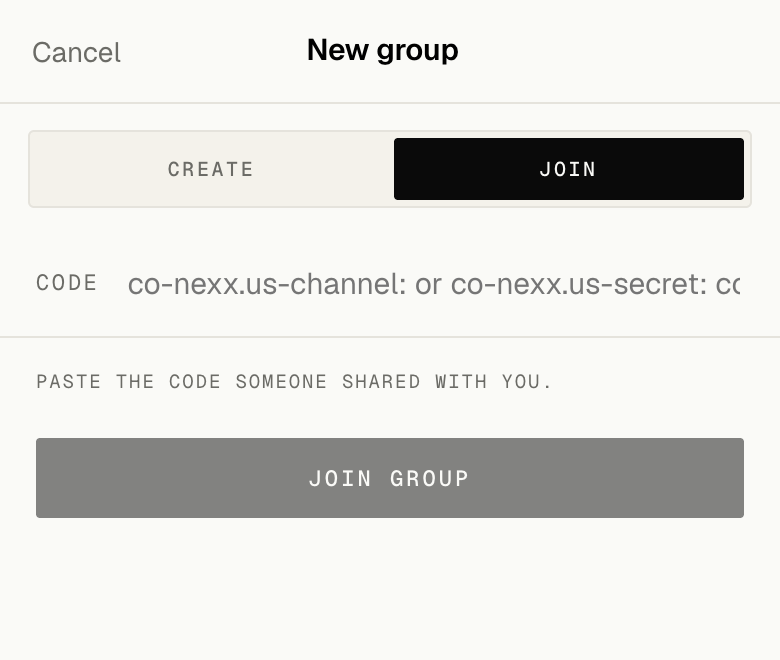
Click Groups, then New group. Join is for a room that already exists. For Public groups, paste a share code and you are in. Or if you are on a mobile device you can scan the QR code. If someone shared a Private or Secret group code with you, you will also need to input the password.
After you join, nothing is waiting for you when you arrive. There is no lobby, nobody suggested, and nothing to browse — which is the point, and is also unhelpful on your first day. If you want somewhere to land, the conexxus_alpha_public group is open to the public to discuss the co-nexx.us alpha release.